
Key Features
- Engineering software in the TIA Portal: SIMATIC WinCC Comfort V17 for engineering in the TIA Portal.
- Upgrade license: Upgrade WinCC flexible 2008 Standard-> WinCC Comfort V17 Combo.
- Floating license: Floating license for the software package.
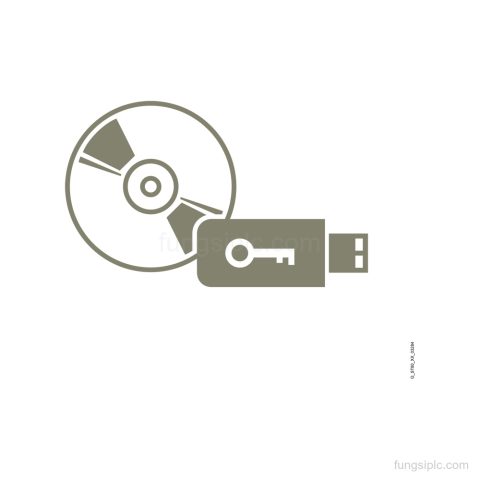
- Delivery set: Software and documentation on DVD; license key on USB flash drive; content: set (3x DVD + 1x USB).
- Language set: 6 languages: de,en,fr,es,it,zh.
- Class A: Class A.
Applications
- Configuration of SIMATIC Panels: Engineering and configuration of SIMATIC Panels.
Technical Summary
| Product function | engineering software in the TIA Portal |
|---|---|
| Upgrade path | WinCC flexible 2008 Standard-> WinCC Comfort V17 Combo |
| License type | floating license |
| Delivery form | software and documentation on DVD |
| License key medium | USB flash drive |
| Content | set (3x DVD + 1x USB) |
| Class | A |
| Languages | de,en,fr,es,it,zh |
| Application | configuration of SIMATIC Panels |
| Product lifecycle | Start of final year of support |
Frequently Asked Questions
What is Siemens 6AV2101-4BB07-0AE5 used for?
It is SIMATIC WinCC Comfort V17 engineering software in the TIA Portal for configuration of SIMATIC Panels.
What license type does 6AV2101-4BB07-0AE5 include?
It includes a floating license.
What languages are included with this WinCC Comfort V17 package?
The package includes de,en,fr,es,it,zh.
How is the software delivered for 6AV2101-4BB07-0AE5?
It comes as software and documentation on DVD with a license key on USB flash drive.